edgesharp
Cloudflare-native image optimization for Next.jsThis page, the source images, and the /_next/image API are all served by the same Cloudflare Worker. Every <Image> below is an unmodified next/image component — only the loader changed. The browser fetches each variant from the same origin; the Worker decodes, Lanczos-resizes, and re-encodes via Zig WASM SIMD on the way out.
Try it · paste any URL, pick any size or format
Live transform running on this Cloudflare Worker. Paste an image URL or pick a sample, change width/quality/format, hit Optimize. The first request encodes via Zig WASM; every repeat serves from cache in single-digit ms.
Path-relative URLs (/demo/…) come from this Worker's bundled assets. This demo's ALLOWED_ORIGINS is set to * so any https:// URL works — your production deployment should narrow that to a curated list.
auto negotiates via the Accept header. AVIF is served natively by default; set ENABLE_AVIF=false in the Cloudflare dashboard to fall back to WebP.
/_next/image?url=%2Fdemo%2Fphoto.jpg&w=640&q=75Original
…
edgesharp
—The integration
1. next.config.mjs
// next.config.mjs — the only file you change.
export default {
  images: {
    loader: 'custom',
    loaderFile: './node_modules/edgesharp/dist/loader.js',
  },
};
2. Use <Image /> as you already do
// app/page.tsx — your <Image> components don't change.
import Image from 'next/image';

<Image src="/photo.jpg" alt="" width={1600} height={1200} />
Same-origin deploy: the loader emits relative URLs, so there's nothing to configure at build time. Drop edgesharp on any domain; your <Image> components stay exactly as written.
Hero photo · 4K source, browser picks the right variant
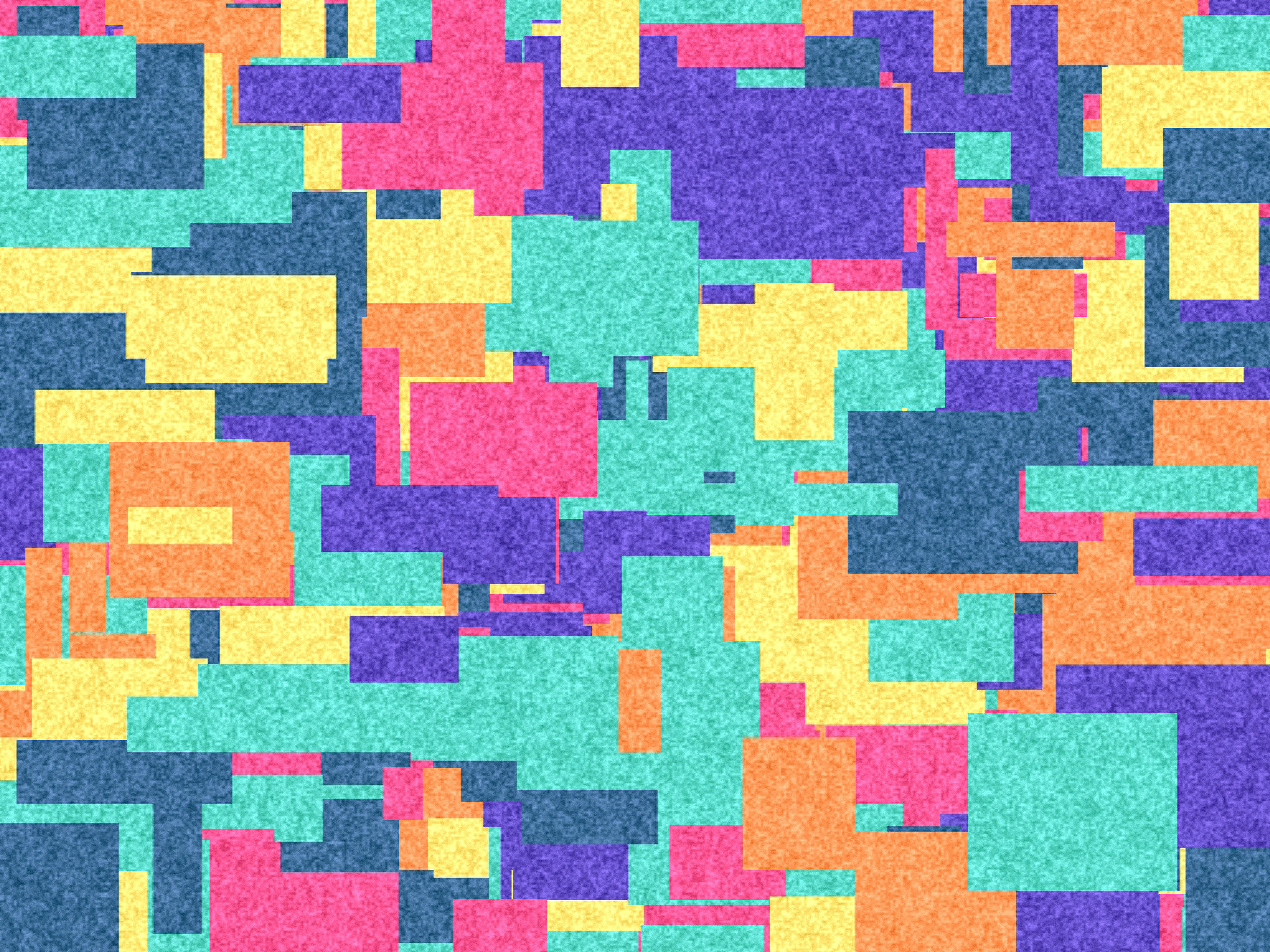
Source: 4000×3000 JPEG, ~3.7 MB. Inspect this image in DevTools — its srcSet contains 8 widths, all served as WebP from the Worker.
Three different content types · same loader
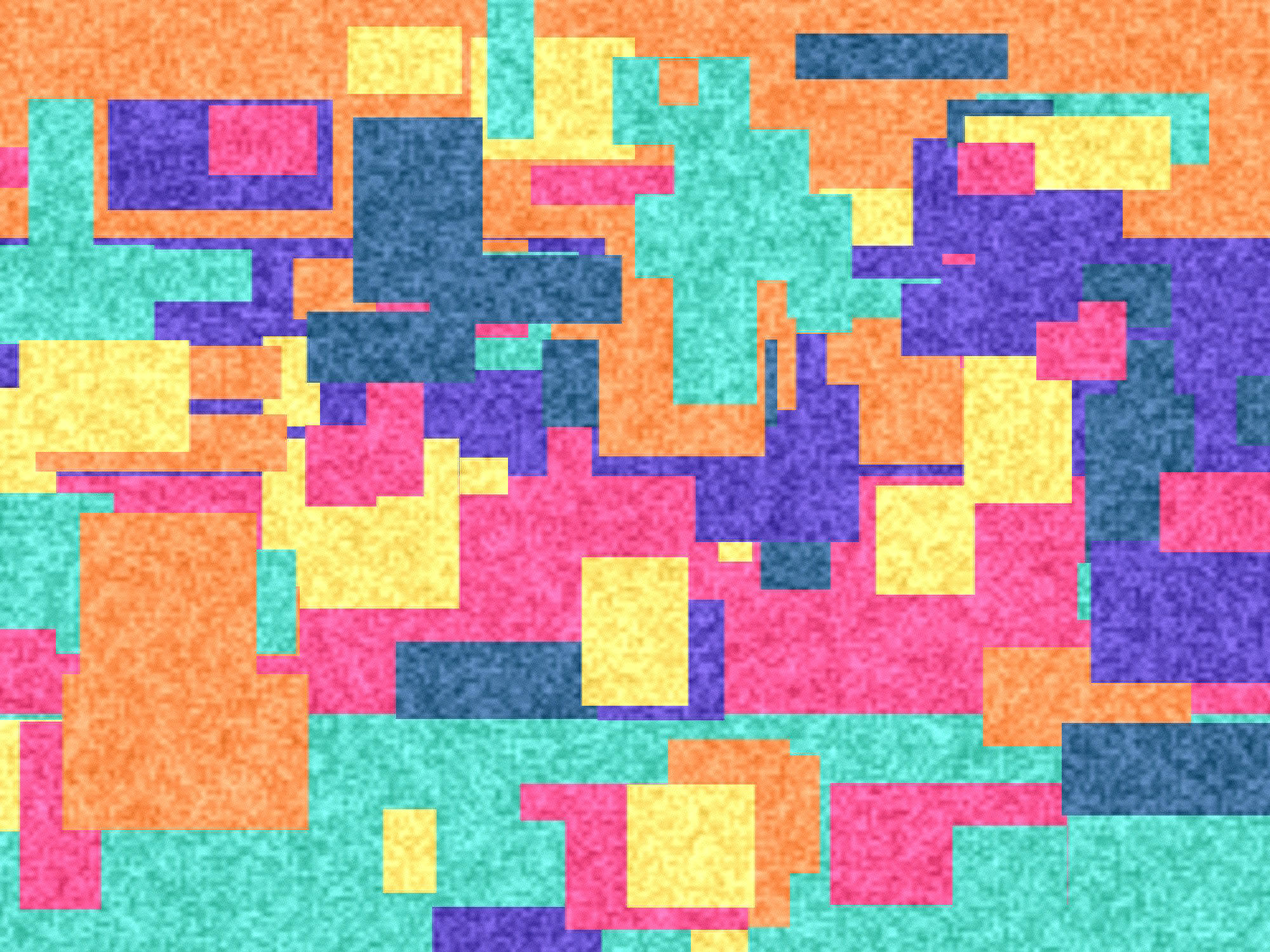
Photographic content (2K)
Compresses well as WebP — typical 90%+ savings vs JPEG q=92 source.
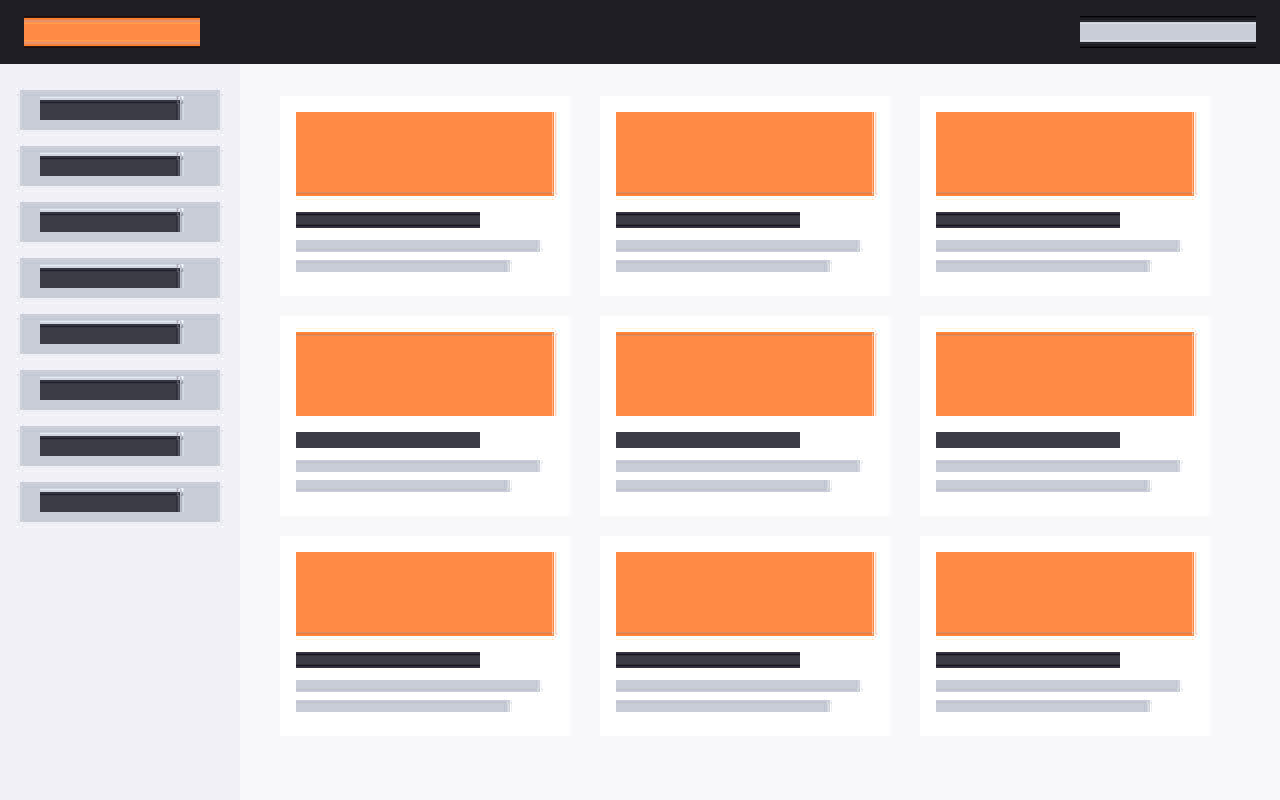
Flat UI mock (PNG → PNG)
Hard edges and large flat regions. PNG output preserves alpha and stays sharp.

Phone portrait (EXIF auto-rotate)
Stored landscape with EXIF orientation=6. The decoder rotates 90° CW so it renders upright.
The same image at every Next.js width
16w128w384w640w1080w1920w2048w3840wedgesharp generates each variant on first request, then caches in R2. Free egress means repeat visitors don't cost bandwidth.